Link resident vehicles to the right apartment
Keep a vehicle record in the linked person’s manager profile. An entry associates the country code and plate with an active apartment link, with optional vehicle and parking details.
Create a manager account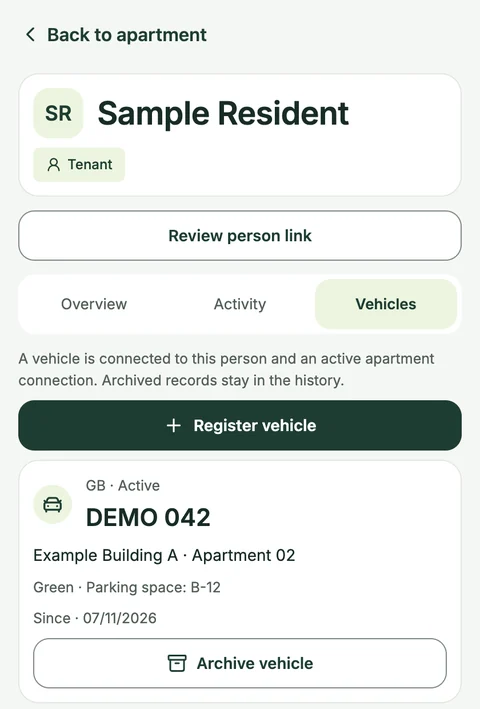
The vehicle record sits alongside the person’s apartment details.
From the Yonelio app · Manager view · Sample data.View full screenshot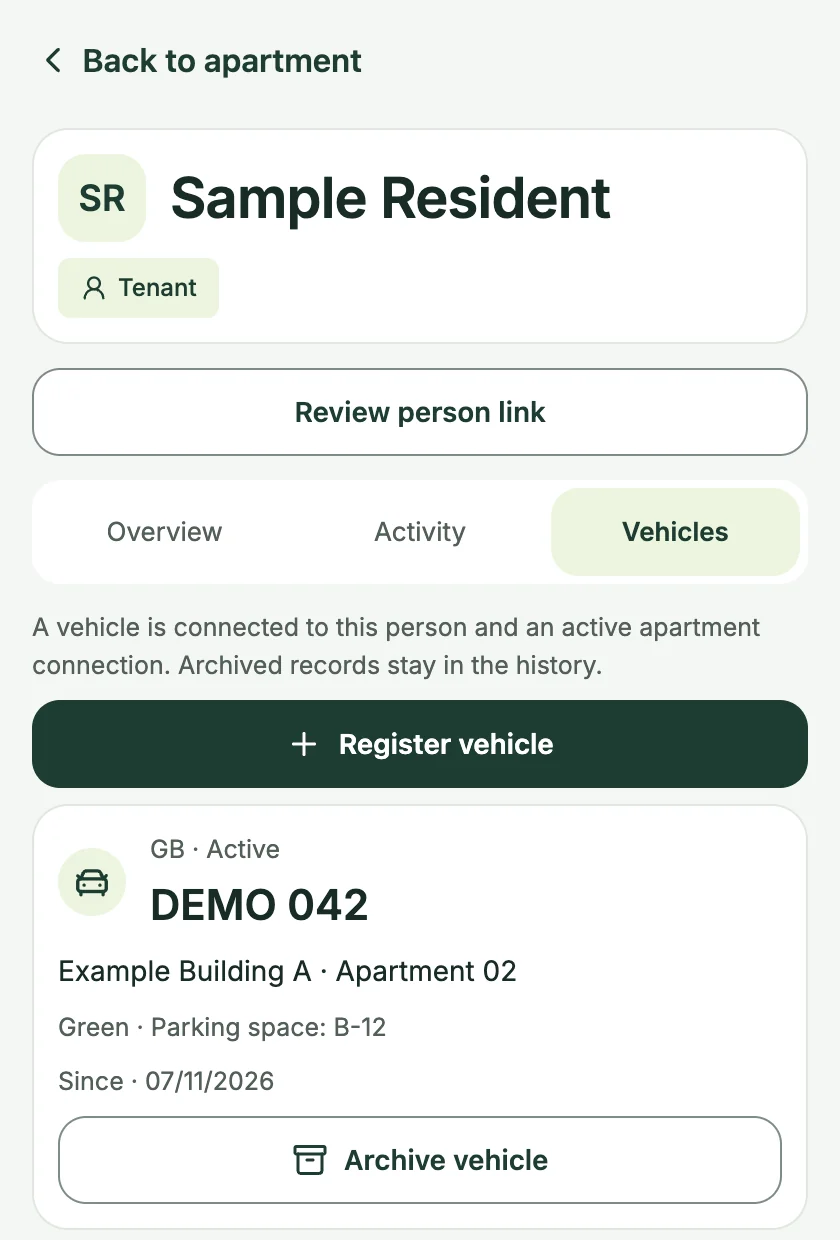
Who it’s for
For residential property managers who need a basic record of vehicles associated with owners or tenants.
How it works
Open the person’s manager profile
In the manager app, open a building and apartment, then select the linked owner or tenant and go to Vehicles.
Choose the active apartment link
Enter the country code and plate. Add the make or model, colour and parking-space reference when useful.
Archive a vehicle when its use ends
Select the old entry and give a reason for archiving. The profile retains the archived vehicle and its history.
A tenant changes vehicles
The manager opens the tenant’s profile, archives the previous plate with a short reason and adds the replacement plate against the same apartment link.
See the apartment and person behind a plate record
A person may be linked to more than one apartment. Pick the relevant active link when recording a vehicle, so the profile shows the apartment alongside the plate. When the resident replaces the vehicle, archive the old entry with a reason to keep its history available.
Common questions
Where do managers manage vehicle records?
Open the person’s profile in the Yonelio manager app. The record is tied to one of that person’s active apartment links.
What happens if the same plate is already active?
Yonelio checks for an active matching plate in the same property. Review the existing record before creating a new one.
Does a parking-space reference grant access?
The space is stored as a reference. The register is for vehicle records and does not issue permits or operate a barrier.
Related features
Buildings & units
Give each apartment a clear record within its building, with the people and roles that belong to it.
Resident portal
Give residents a direct way to see the apartment information and financial records they are allowed to access.
Spreadsheet import
Bring a building roster into the manager panel using a UTF-8 CSV or single-sheet XLSX file. Review the rows before creating buildings, apartments and owner or tenant links.